Point of Sale (POS) is the specific location and exact moment where a customer initiates a payment for goods or services. This system captures transaction data, calculates the total amount owed, and triggers the payment authorization process. A POS environment can range from a physical hardware terminal in a retail store to a digital checkout interface on an e-commerce website.
The POS represents the foundational layer of the payment processing flow, serving as the secure interface where consumer credentials enter the merchant environment. It sits at the very beginning of the payment lifecycle, translating raw cardholder data into a structured authorization request routed to acquiring banks. Operationally, the technical configuration of a POS directly impacts whether merchants can successfully navigate checkout issues and maintain a high transaction approval rate.
What exactly constitutes a Point of Sale today?
In real-world payment infrastructure, the definition of a POS has expanded significantly beyond traditional cash registers. Today, a POS encompasses the entire hardware and software ecosystem responsible for securely capturing payment credentials and passing them along the financial chain.
For a brick-and-mortar merchant, the POS includes the physical terminal where a customer taps or dips their card. This is known as a card present. In this scenario, the POS reads the secure chip data and passes it to the merchant’s payment gateway or processor.
For an online business, the POS is virtual. It consists of the checkout page, the payment form, and the underlying API that securely tokenizes the payment data. This card-not-present environment relies heavily on secure digital inputs to verify the customer and initiate the transaction.
How does the POS interact with the payment processing flow?
The POS is the starting line for every card transaction. When a customer attempts to pay, the POS system orchestrates a rapid sequence of events to verify the funds and secure an approval.
A typical transaction flows through the POS in the following steps:
- The customer presents their payment method via a physical terminal or an online checkout form.
- The POS encrypts or tokenizes the card details to ensure security and compliance.
- The system bundles this payment data with transaction details (like the purchase amount and merchant category code) and forwards the payload to the payment processor.
- The processor routes the request through the card network to the customer’s issuing bank.
- The issuer evaluates the request and sends an issuer response back down the chain.
- The POS receives the final message, displaying an approval or indicating that the payment declined.
If the transaction is approved, the POS completes the checkout and logs the sale for eventual settlement. If the transaction is rejected, the POS must interpret the decline code and present the appropriate next steps to the customer.
Why do payment failures happen at the Point of Sale?
Merchants encounter a variety of checkout issues at the POS, and diagnosing them requires understanding the difference between local errors and authorization failures. Not every failure is a hard decline from the bank.
Sometimes, a payment fails before it even leaves the POS. This can happen due to network connectivity drops, hardware malfunctions at a physical terminal, or malformed API requests in an e-commerce checkout. In these cases, the transaction never reaches the issuing bank.
More commonly, payment failures occur during the authorization step. The POS successfully transmits the data, but the issuing bank rejects the request. A card declined response might result from insufficient funds, suspected fraud, or outdated billing information. In these situations, the POS simply acts as the messenger delivering the decision of the issuer.
Why does POS configuration matter for payment optimization?
The way a POS is configured plays a massive role in payment optimization. Issuing banks rely heavily on the data they receive from the POS to make split-second risk decisions.
If a POS system passes rich and accurate data, the issuer is more likely to approve the transaction. For example, capturing the correct billing address for Address Verification System checks or passing the correct security code can significantly reduce payment declines. Conversely, a poorly configured POS that strips away important metadata will look suspicious to an issuer, resulting in unnecessary rejections.
For subscription businesses, the virtual POS must properly flag transactions as recurring. If the POS sends a recurring charge as a standard e-commerce transaction, it is highly likely to fail. Proper tagging helps mitigate subscription payment issues and maintains revenue continuity for the merchant.
How can merchants handle a transaction declined at the POS?
When an issuer returns a decline code to the POS, the merchant must decide how to react. In a physical store, the solution is usually straightforward. The cashier simply asks the customer for a different card.
In an e-commerce environment, handling declines is more complex. If the POS simply displays a generic error, the customer will likely abandon their cart. A well-designed digital POS will interpret the specific decline reason and prompt the user intelligently, such as asking them to re-enter an incorrect expiration date.
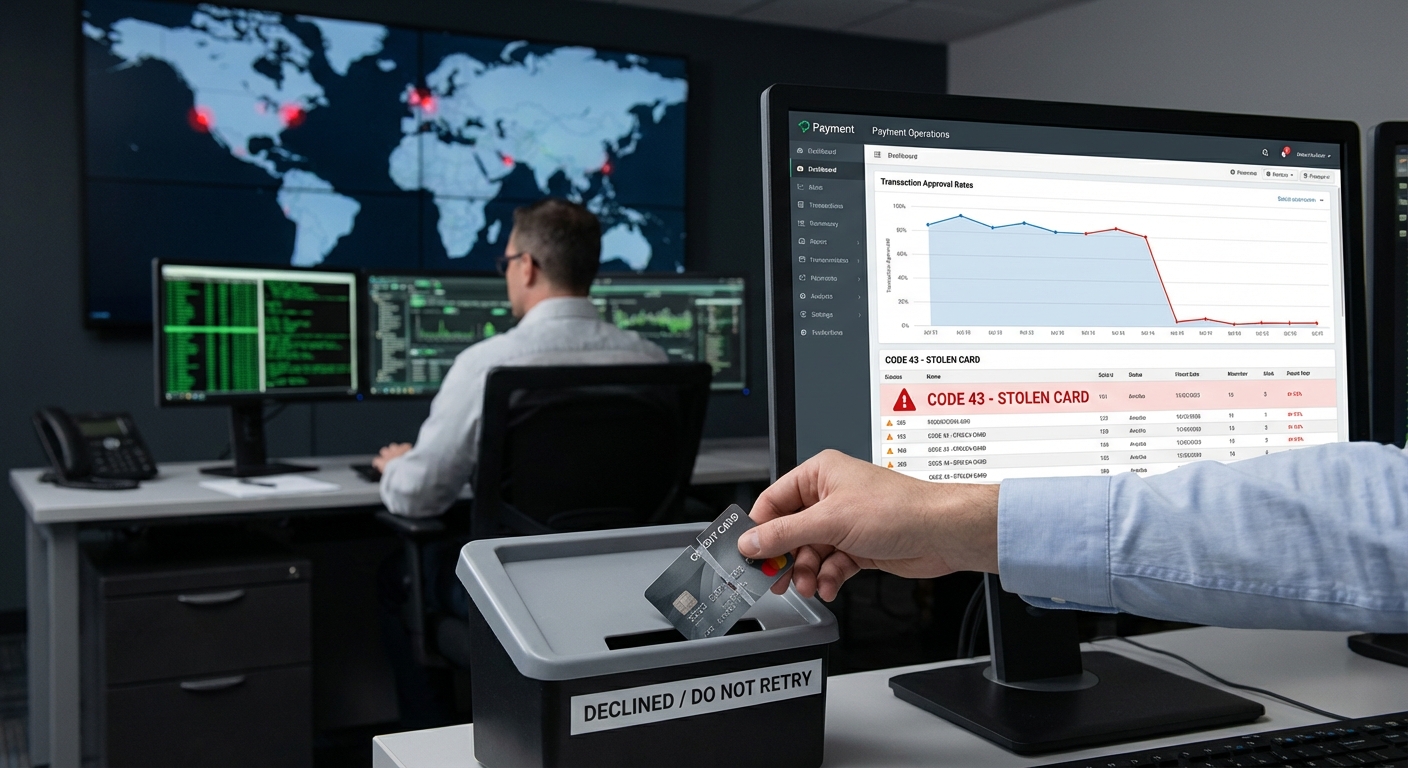
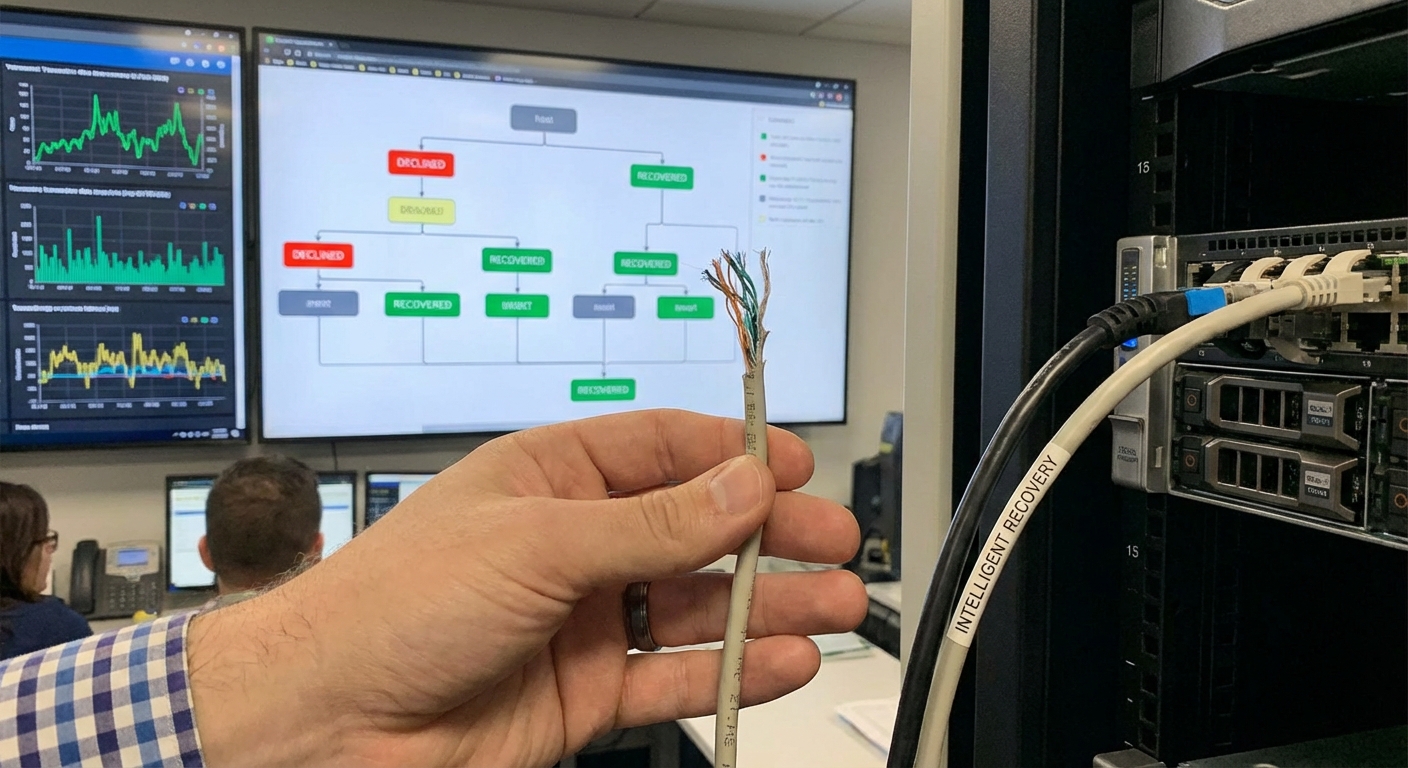
Behind the scenes, merchants can leverage specialized software to manage these authorization failures automatically. For example, platforms like SmartRetry focus on payment optimization and intelligent retries of hard declines, helping merchants recover revenue and improve transaction approval rates. By analyzing the decline codes returned to the POS, these systems determine the optimal time and routing method to retry failed payments without frustrating the customer or violating network rules.
What is the difference between a Card-Present POS and a Cloud-Based E-commerce POS?
Understanding the difference between physical and virtual POS environments is crucial for payment teams. The risk profile and technical requirements differ vastly between the two.
A physical, card-present POS benefits from the highest level of security. Because the physical EMV chip is validated in person, fraud rates are incredibly low. Consequently, issuers approve these transactions at a much higher rate. The primary operational challenges here involve hardware maintenance, terminal updates, and physical network stability.
A cloud-based, e-commerce POS operates in a card-not-present environment. Because the physical card cannot be verified, the risk of fraud is naturally higher. To compensate, a digital POS relies on tools like retry logic, device fingerprinting, and network tokenization. Payment recovery strategies are entirely different here, requiring sophisticated retry logic and dynamic routing to maximize approvals.